



Five Finger Typist
$ 37.65
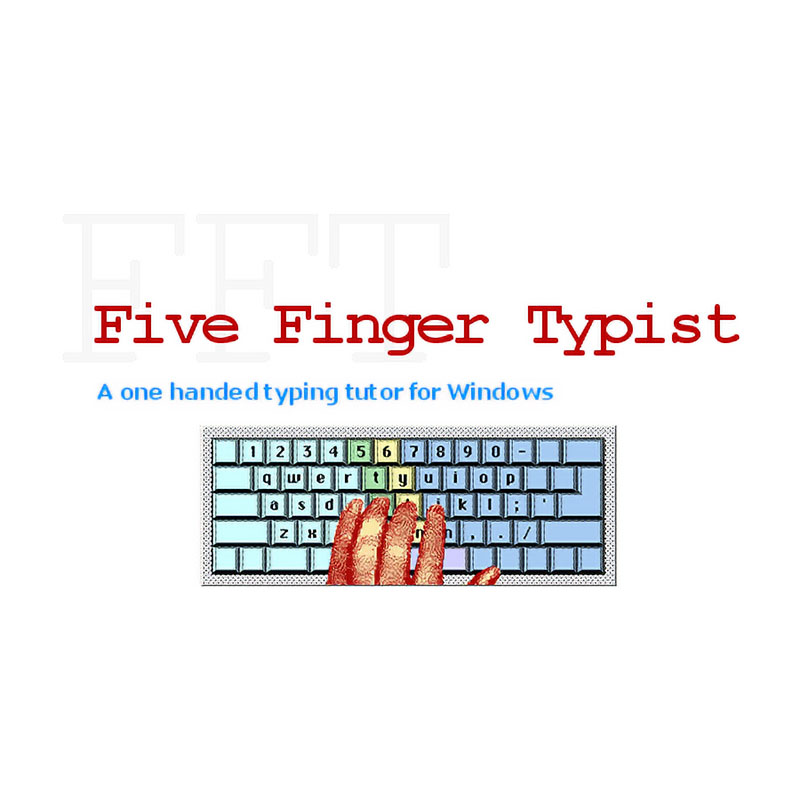
A one-handed typing tutor for WindowsFive Finger Typist is a typing tutor for people who want to learn one-handed touch typing, using either the right, or left hand. It teaches the accepted keyboarding technique for single-handed touch typing on the standard (QWERTY) keyboard.Five Finger Typist has a set of structured typing lessons which first teach the home position and then progressively introduce new keys and revise keys already learnt.Extremely easy to use, even a novice can become a master typist.FeaturesSuitable for child or adultOpens up new communication skills – note taking, memos, letters, computer games and applicationsLearn a life-long skill not dependent on specialised keyboards and dedicated software which need to be taken with youTouch typing skills assist students in all levels of learningTouch typing skills assist adults in communication and employmentAn onscreen animated hand graphic shows the correct hand movement as keys are typedEither the right, or the left, hand can be chosen easilyLessons are graded, starting with simple exercisesA self-paced typing programHow Five Finger Typist WorksThe advent of personal computers has made touch typing an important skill. Five Finger Typist teaches one-handed touch typing for both the right and left hands. The hand to be used is easily chosen.As with traditional touch typing, one handed typing has a “home position” or “home keys”. These are the group of keys from which all key strokes are made and to where the hand returns. The home position acts as an anchor and resting place between keystrokes. With one handed typing the home keys are: f, g, h and jThe guides drawn over the keyboard illustrate the keyboarding technique for the one handed typist. They show the keys struck by each finger. Key strokes are all made from the home position.Assuming you are using the left hand, all keys to the right of the guides are struck with the first finger. Keys to their left are struck with the little finger. The keys between the guides are struck with the second, or third, finger reaching up, or down, from its home key.If you are using the right hand, the role of the first and little finger is reversed.In Five Finger Typist the first 3 lessons introduce the home keys and the technique of one-handed touch typing. Thereafter each new lesson teaches two new characters, or is a revision lesson. In each lesson there are about 12 lines of exercises which initially teach typing of the new characters in relation to the home position.Overall there are 21 lessons which teach all letters, the numbers and the grammar keys . , – ; and return.The early lessons are a little boring as not many letters have been learnt so the exercises are mechanical and repetitive. However, words, phrases and sentences are included as quickly as the known letters allow.When you type, the hand on the screen shows the correct hand movement.The “Typing Tutor” menu allows you to access various features of the program:You can easily choose the hand you want to type with – click on “Right Hand” to change from left hand (the start-up default)“Customise…” allows you to change the screen font size from standard to large, or medium and to turn on audio of keys typed and typing errorsUse “Go To Lesson…” to move backwards and forwards between lessons to practice particular lettersClick on “Statistics” to check your typing accuracyPrint what you have typed at any timeVersion 2Currently only available for WindowsNew in Version 2.2Addition of a large font option for users with low vision. The very large font option offers a choice of an extra two screen font sizes of 36 and 48 point (font face: Arial bold). Improved exercises have also been added to a number of lessons.Five Finger Typist with on-screen keyboard Five Finger Typist with typing frameNew in Version 2.xAuditory prompting of keys to practise during the typing exercises: a recorded voice will prompt you with the next 3, to 5, characters in the exercise line. When you have correctly typed these characters the voice will then speak the next 3, to 5, characters to type (and so on).A resizable main window, with the onscreen keyboard coloured in bands to show the keys typed with each fingerA Customise… option allows you to customise the program in ways to assist in the learning process:Over 3 screen font sizes – standard, medium or large, including 36 and 48 pointstyping sounds can be turned on – either the key typed is spoken, or a typewriter sound is made when you typea typing-error sound can be chosenSaving to a personalised progress file allows you to restart at the last lesson saved and with the same settings